

Trading Experts for MT5
FinPip Theme Manager
Three chart themes, light and dark, from one small icon
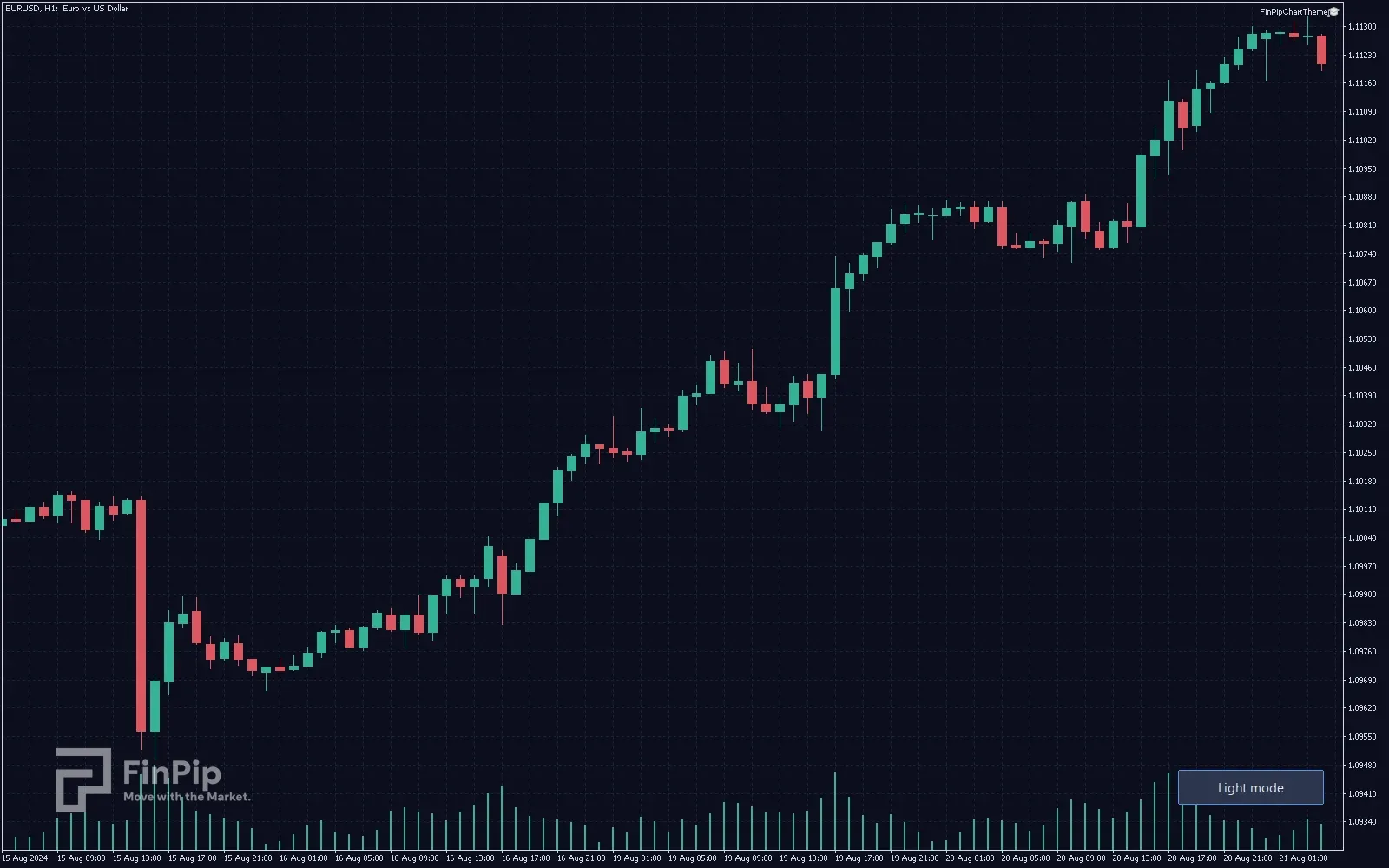
A small icon sits on the chart. Click it and a panel folds out with three colour families — Blue, Green and Golden — and a light/dark switch, six looks in all. Every click repaints immediately, and your choice is remembered for that chart. The grounds are shared across the families: a deep space blue in dark mode and a warm cream in light, so changing family changes the colours without changing how bright the screen is. Because MetaTrader overwrites a chart’s colours with no undo, the panel keeps what the chart looked like before you started and can put it back.
- Free
- Indicator
- MetaTrader 4 & 5
- .ex5 + .ex4
Key features
- Three families: Blue (blue rising, white or charcoal falling), Green (classic green and red), Golden (gold rising, silver falling).
- Light and dark for each — a warm cream ground, or a deep space blue.
- One icon on the chart; the panel folds out and every click applies at once.
- The icon itself shows the active theme: family colour on one half, the ground on the other.
- Your choice is remembered per chart and survives a restart.
- Restore original puts back the colours the chart had before you started.
- Optionally themes every open chart at once, not just this one.
- An indicator, not an expert — it leaves the one Expert Advisor slot free.
Key inputs
- InpFamily / InpDarkMode
- Which theme to start on. After that the panel decides, and the choice is stored per chart.
- InpFamilyCandles
- On, the candles take the family’s colours. Off, the theme changes only the background, grid and axes and the candles stay red and green.
- InpAllCharts
- Apply the theme to every open chart instead of only the one it is attached to.
- InpPanelScale
- Panel and icon size. They already scale with your screen’s DPI; this nudges them further.
How to install
- 1
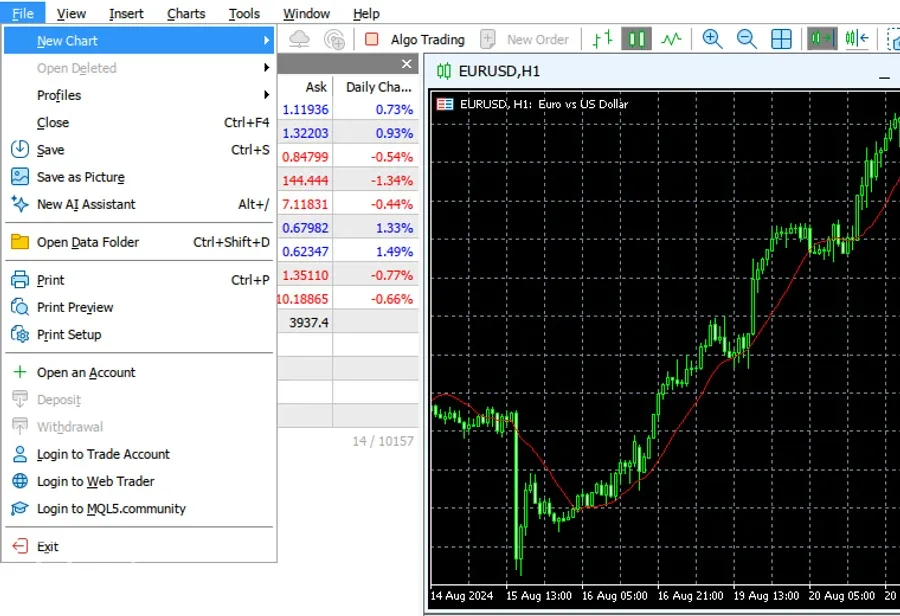
In MetaTrader 5 open File → Open Data Folder, then go to MQL5 › Indicators.
- 2
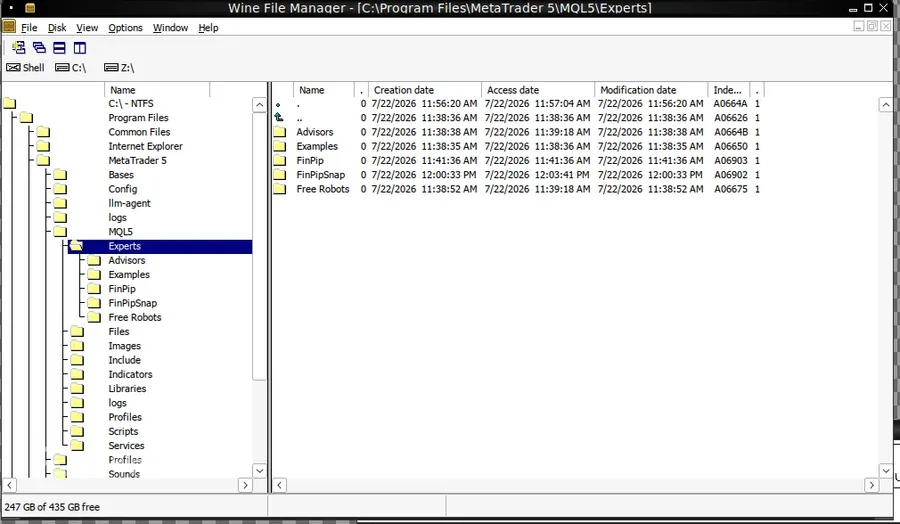
Copy the downloaded .ex5 file into that Indicators folder.
- 3
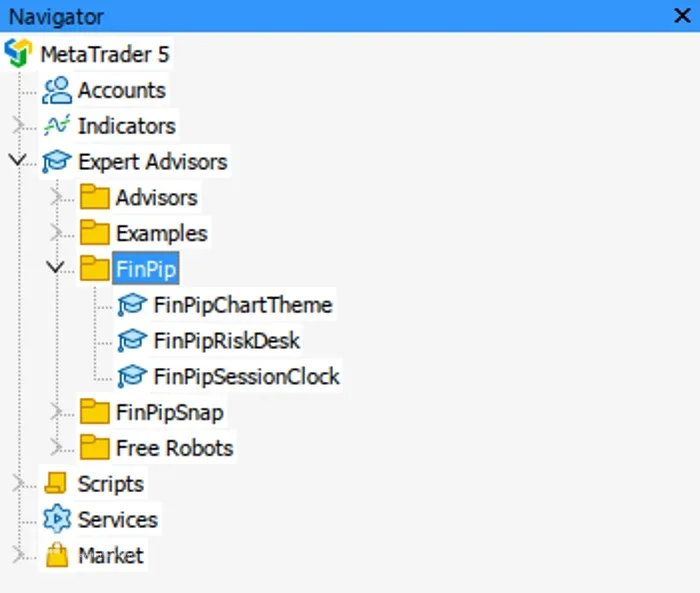
Back in MT5, right-click Navigator → Refresh — it appears under Indicators.
- 4
Drag it onto a chart. No Algo Trading needed — an indicator only draws.
Download is the ready-to-use compiled expert (.ex5) — just drop it into MT5 (no compiling needed). It is a manual charting/trading tool, not an automated strategy, and it makes no profit claims.